
A matching name is not a linked history
Following a player over time starts with identity, not a chart. Two roster entries can both say Alex and represent different people. Two entries with different display names can represent the same person. A reliable history needs an explicit connection rather than a guess based on spelling.
BenchClock distinguishes a team roster entry from a reusable player profile in an owner's Players Library. A team entry belongs to that team's roster. A profile provides an identity that can be explicitly linked to entries across teams. Creating another entry with the same name does not automatically merge the records.
This distinction matters at season rollover. If you want continuity, decide which owned profile you intend to reuse before entering a new roster. Correcting a naming inconsistency early is easier than interpreting two disconnected season totals later.
Save or choose the profile deliberately
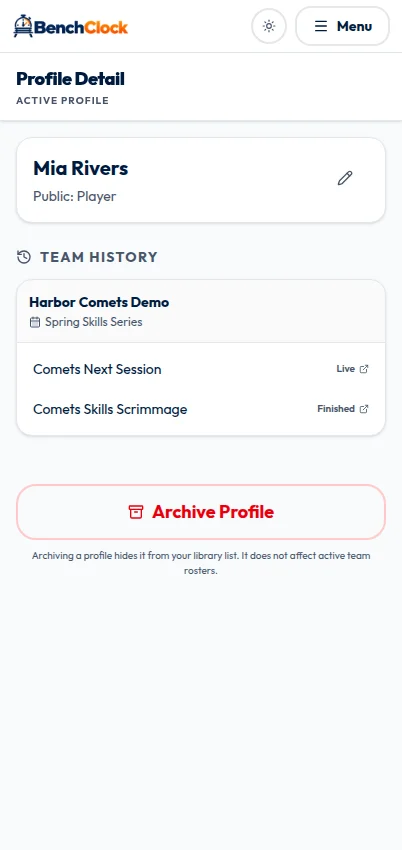
For a coach-managed team player that is eligible, the roster offers Save to place the player in your library. Use it after checking that the entry represents the person you intend to follow. A visible Profile link on an owned linked entry can take you to the profile detail page.
When adding a player to another team, open the roster's Add dialog and choose From Library. Select the owned profile, then use the linking action. Choose New Player only when you intend to create a new team entry rather than reuse an existing identity.
The library selection belongs to the signed-in owner. If a profile you expect is missing, confirm the account before creating a duplicate. Another coach having a player with the same name does not make that coach's profile yours or give you permission to use its history.
Use clear display names, but do not add private identifiers simply to solve duplicate-name confusion. A safe internal naming convention and a separately reviewed public display name are preferable to putting sensitive information into labels that may be shared.
Understand two independent access checks
Profile analytics is owner-scoped. Being a team coach or assistant does not automatically make you the owner of every player's reusable profile. Conversely, owning a profile does not automatically grant access to all team records connected to that player.
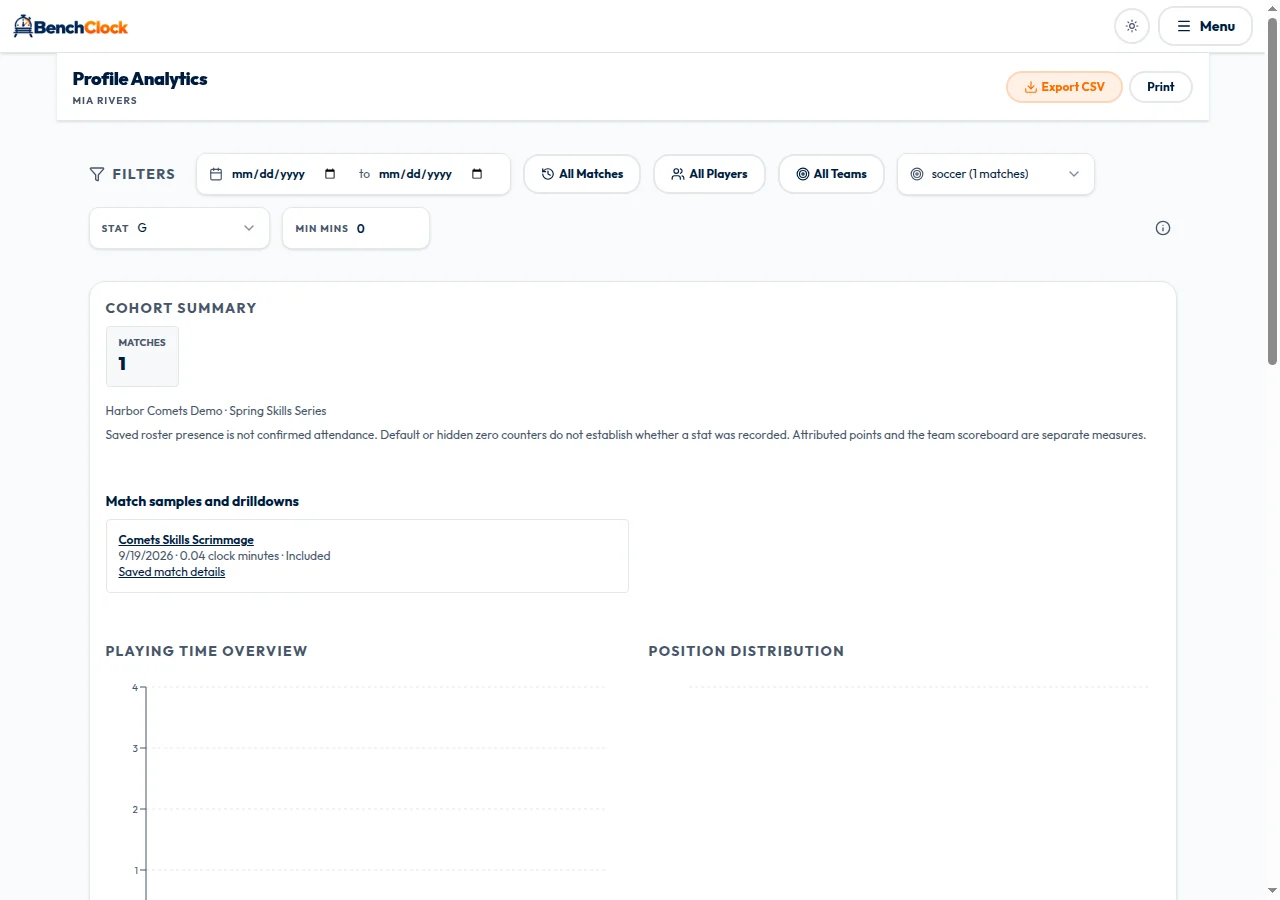
The profile analytics route checks both the owning account and the relevant active coach or assistant memberships for linked teams. The practical consequence is important: a profile is not a shortcut around another team's permissions. A family connection or spectator link does not grant this cross-team analytics access.
If your team role changes, the history available to your account can change as well. Treat access as a current authorization boundary, not as a permanent entitlement created when you once recorded a match. Do not ask someone to share credentials to restore a missing view.
When coordinating with another coach, agree who will maintain which records and profiles. Explicit ownership reduces duplicate work, but it does not replace the normal invitation and team-membership process.
Work through a two-season example
Suppose you own Morgan's profile and coach Harbor Juniors in spring. You save or link the spring roster entry to that profile. In autumn you create Harbor Development, then add Morgan using From Library rather than New Player. The two team entries now explicitly point to the intended profile.
If you retain the necessary team access, the profile can provide a route to the linked team and match history. Profile analytics uses qualifying finished matches that were started and contain the relevant saved roster identity. A prepared but unplayed fixture should not become a season appearance.
Imagine spring contains forty recorded field minutes and autumn contains sixty under compatible definitions. A combined record can describe one hundred recorded field minutes. That total does not prove one hundred minutes of the same role, the same opposition, or equal opportunity to contribute.
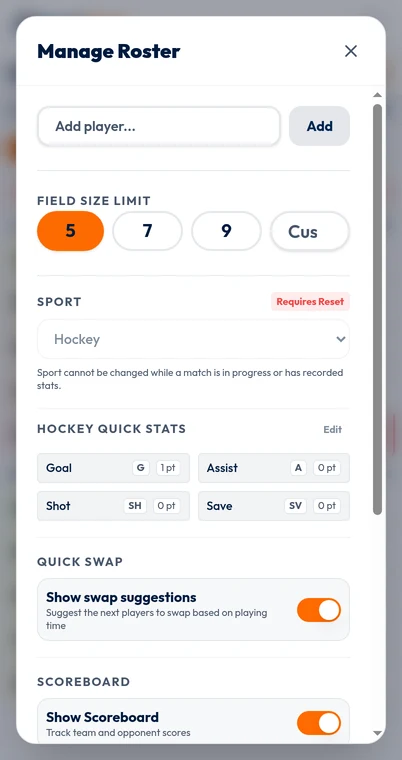
Now imagine the autumn configuration changes a quick-stat slot from Assists to Saves. Those records are not interchangeable simply because Morgan is the same person. Identity continuity and measurement compatibility are separate conditions, and both must be satisfied for a meaningful comparison.
Compare seasons without erasing context
In Profile Analytics, use the available team/season, date, match, configuration, and stat choices to define the question. Compare one season at a time first so that you can understand the underlying sample before combining anything.
BenchClock groups records by complete saved definitions, including sport, ordered quick stats, tracking choices, and position definitions. A matching sport label alone is insufficient. If incompatible matches are excluded, inspect the configuration groups instead of concluding that the player's history has vanished.
Read appearances and rostered matches separately. Appearance means positive recorded field minutes. Being on a saved roster does not prove attendance, and average minutes per rostered match is not the same as average minutes per appearance.
Avoid describing a higher per-minute scoring rate as proof of development. A new role, different opposition, a smaller sample, or better event recording could explain the change. Add a concrete observation from training or matches before making a coaching judgment.
- Which owned profile is being followed?
- Which team entries are explicitly linked to it?
- Which teams are currently authorized for this account?
- Which completed, started matches are in the selected window?
- Which saved configuration makes the records comparable?
Investigate missing history in a sensible order
First check the identity link: was the new season's player added from the intended library profile, or created as an unrelated new entry? Next check the account and team role. Then check match status, dates, selected teams, and configuration. These are different causes with different solutions.
Do not create a second profile as a troubleshooting step. It can add another identity without repairing the original link. If the interface reports an error, keep the error text and a non-sensitive description of the affected team or match for support; do not share private URLs or credentials.
The connected screenshots show a real owned profile's team and match links plus its analytics destination. This synthetic example has one team, one prepared match, and one few-second finished match; it demonstrates the identity path, not a cross-season performance comparison. The Free Tracker roster image remains a contrast with an unlinked device-only entry.
Keep a small season-rollover audit
Before the first match of a new season, list the profiles you intend to reuse, confirm each linked roster entry, review public names, and agree which stat definitions will stay the same. If a definition changes, record why so that later comparisons have an explanation.
Open your connected team and library when you are ready to establish those links. A well-maintained player history should make it easier to ask informed questions about opportunity and experience. It should not become an unofficial scouting grade or a reason to share a child's full record more widely than necessary.